How to Build a Business Blog Content Calendar That Drives Traffic
A content calendar prevents the feast-or-famine publishing cycle that kills most business blogs. Here's how to build one that works for a lean team.
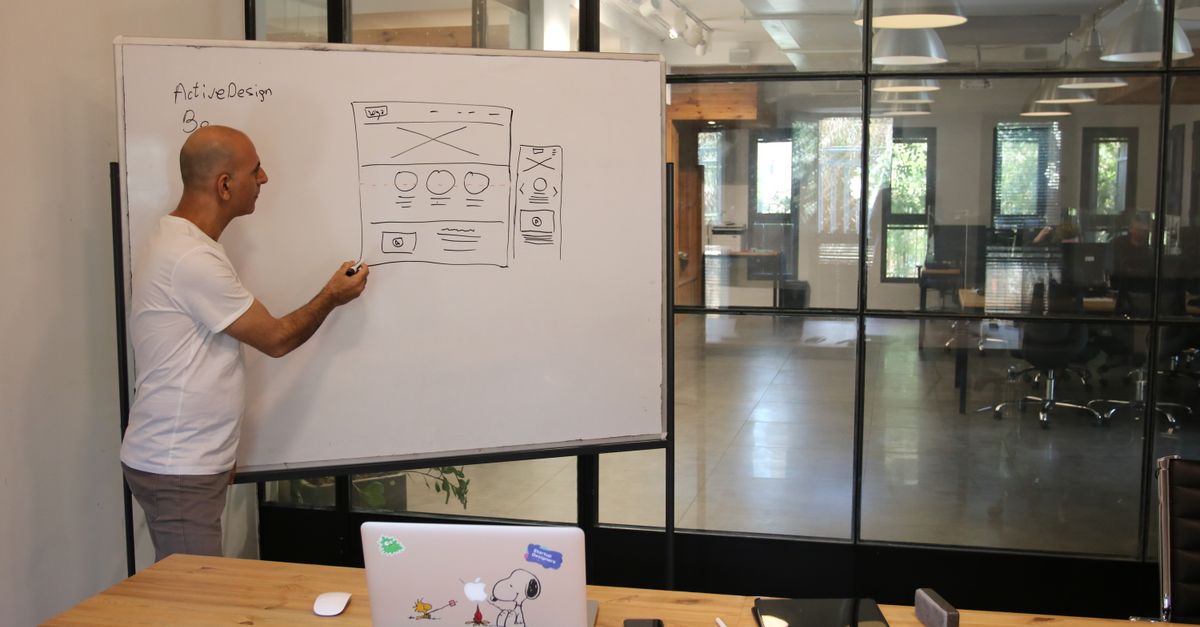
Photo : Shuki Harel / Pexels
# How to Build a Business Blog Content Calendar That Drives Traffic
Most business blogs fail not because of content quality — they fail because of consistency. Publishing 4 articles in January, 1 in February, 0 in March, and 6 in April sends confused signals to Google and creates no momentum. A content calendar solves this by replacing inspiration-driven publishing with a system.
Why Consistency Matters for SEO
Read also— in the same topic: AI & Tech
Free consultation
You have a project? Let's talk strategy.
30 min, no commitment. We analyse your situation and tell you what we'd do.
Google's algorithm rewards sites that publish consistently. A site publishing 4 articles per month, every month, for 12 months generates dramatically more organic traffic than a site publishing 48 articles in 3 months and then going silent.
Consistency signals:
The compound effect: each article adds to your topical authority, making subsequent articles easier to rank. Month 1 traffic: minimal. Month 6: noticeable. Month 12: transformative.
The Content Calendar Framework
Step 1: Keyword Research Foundation
Before building a calendar, you need a list of target keywords. Tools: Google Keyword Planner (free), Ubersuggest ($12/month), Semrush ($139/month).
For each keyword, record:
Build a list of 60-100 keywords across your topic areas. This gives you 12-24 months of content ideas.
Step 2: Prioritization
Not all keywords are equal priority. Score each keyword:
Priority = (Search Volume × 0.4) + (Business Relevance × 0.4) + (Achievability × 0.2)
Where:
Focus the first 6 months on lower-competition keywords with high business relevance. Build topical authority before targeting high-competition terms.
Step 3: Content Types Mix
A balanced calendar includes:
Step 4: Build the Calendar
In Airtable, Notion, or a simple Google Sheet, create columns:
Map one article per week for solo teams, 2-3 per week for teams with writers.
Step 5: Content Production Workflow
Week 1 of month: Write outlines for all articles planned for next month. Review with AI tools (Surfer SEO, Frase) for keyword optimization.
Week 2-3: Write first drafts of all articles. Collect any required images or graphics.
Week 4: Edit, finalize, and schedule all articles for the following month.
This batching approach is significantly more efficient than writing and publishing on the same day — and it ensures you're never scrambling for content.
Content Calendar Tools
Notion: Free, flexible, great for teams. Build a database with all article properties, filtered views by status, and linked editorial docs.
Airtable: Better for teams with multiple writers. Calendar view, assignment tracking, and status workflows.
Google Sheets: Simplest. Works well for solo bloggers.
CoSchedule: Purpose-built editorial calendar with social scheduling integration. $39-99/month.
→ Flowify builds SEO-optimized blogs with complete content strategies — contact us
Need expert guidance?
Flowify helps businesses worldwide build high-performing digital products. Contact us for a free audit.
Get a free quoteGet the next ones by email
Practical articles on web, SEO and automation. No sales pitch, unsubscribe in one click.