How to Use a CRM to Grow Your Business: A Beginner's Guide for 2026
A CRM is the central nervous system of a growing business. Here's how to choose the right one and use it to close more deals and retain more customers.
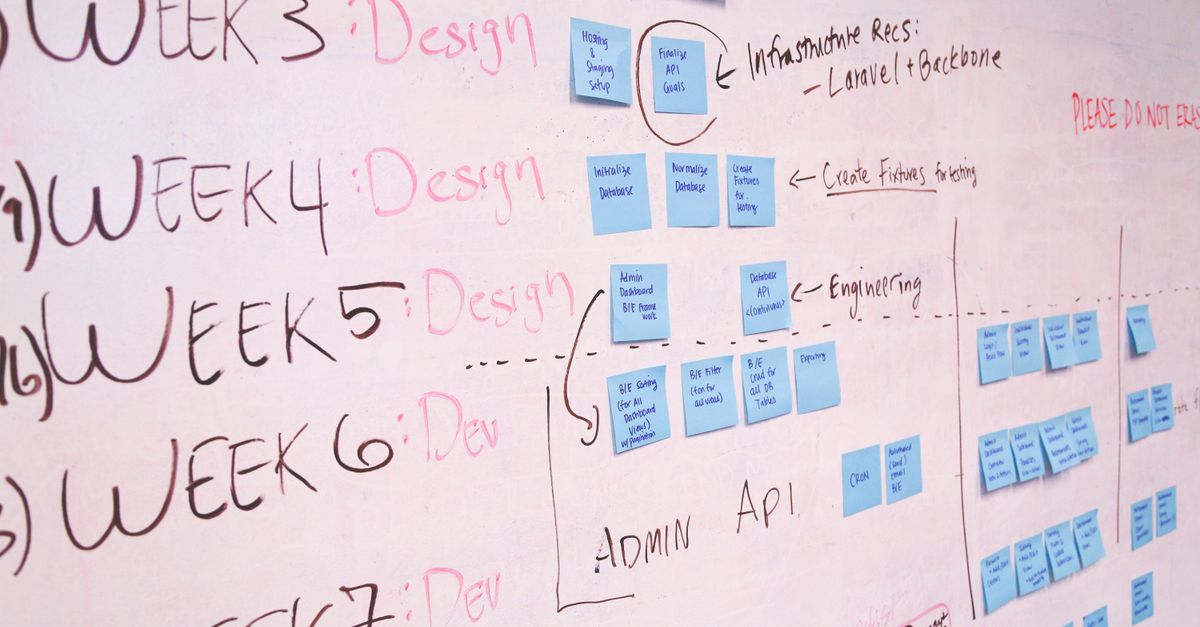
Photo : Startup Stock Photos / Pexels
# How to Use a CRM to Grow Your Business: A Beginner's Guide for 2026
Most small businesses manage customer relationships in spreadsheets, email inboxes, or their owners' heads. This works until it breaks — usually around client number 50-100, when deals get dropped, follow-ups get forgotten, and the business owner becomes the single point of failure. A CRM prevents this collapse and actively drives growth.
What a CRM Actually Does
Read also— in the same topic: Business & Growth
Free consultation
You have a project? Let's talk strategy.
30 min, no commitment. We analyse your situation and tell you what we'd do.
CRM stands for Customer Relationship Management. At its core, a CRM is a database of your contacts and the interactions you've had with them. But modern CRMs are much more:
Choosing the Right CRM
HubSpot CRM (Free): The best starting point for most small businesses. Free forever for core features (contacts, deals, email logging). Paid tiers add automation, marketing features, and reporting. Warning: upgrade costs escalate quickly for larger teams.
Pipedrive ($14-49/user/month): Sales pipeline-focused. Visual Kanban deal board. Excellent for businesses with a high volume of deals to track. Clean, intuitive UI.
Zoho CRM (Free-$20/user/month): Best value for teams. Strong automation at lower price points. More complex to set up than HubSpot.
Salesforce (from $25/user/month): Enterprise standard. Most powerful, most complex, highest price. Overkill for most businesses under $5M revenue.
Notion + database: Not a traditional CRM, but teams already in Notion sometimes prefer managing a simple contact database there before investing in dedicated tools.
Setting Up Your CRM
Step 1: Import your contacts
Export contacts from your email provider (Gmail/Outlook), spreadsheets, and business card apps. Import as a CSV into your CRM. Most CRMs handle deduplication automatically.
Step 2: Define your pipeline stages
Create deal stages that match YOUR sales process. Typical B2B service pipeline:
Step 3: Set up email integration
Connect your Gmail or Outlook to the CRM. Every email sent to/from a contact is automatically logged — no manual entry. HubSpot and Pipedrive both offer excellent email integration.
Step 4: Create your first automation
Start simple: when a deal moves to "Proposal Sent," create a task to follow up in 5 days. This single automation prevents the most common sales failure (forgetting to follow up).
Using Your CRM Daily
Morning routine (10 minutes):
Weekly pipeline review (20 minutes):
Monthly reporting:
The Revenue Impact of CRM
Research consistently shows that businesses using a CRM generate more revenue per sales rep than those relying on spreadsheets and memory:
The reason is simple: nothing falls through the cracks, follow-ups happen consistently, and you have data to improve your process.
→ Flowify builds websites that integrate with CRM systems to capture and route leads — contact us
Need expert guidance?
Flowify helps businesses worldwide build high-performing digital products. Contact us for a free audit.
Get a free quoteGet the next ones by email
Practical articles on web, SEO and automation. No sales pitch, unsubscribe in one click.