Website Security for Small Businesses: The Essential Protection Guide for 2026
43% of cyberattacks target small businesses. A hacked website can cost thousands in recovery, destroy your reputation, and get you blacklisted by Google. Here is how to protect yours.
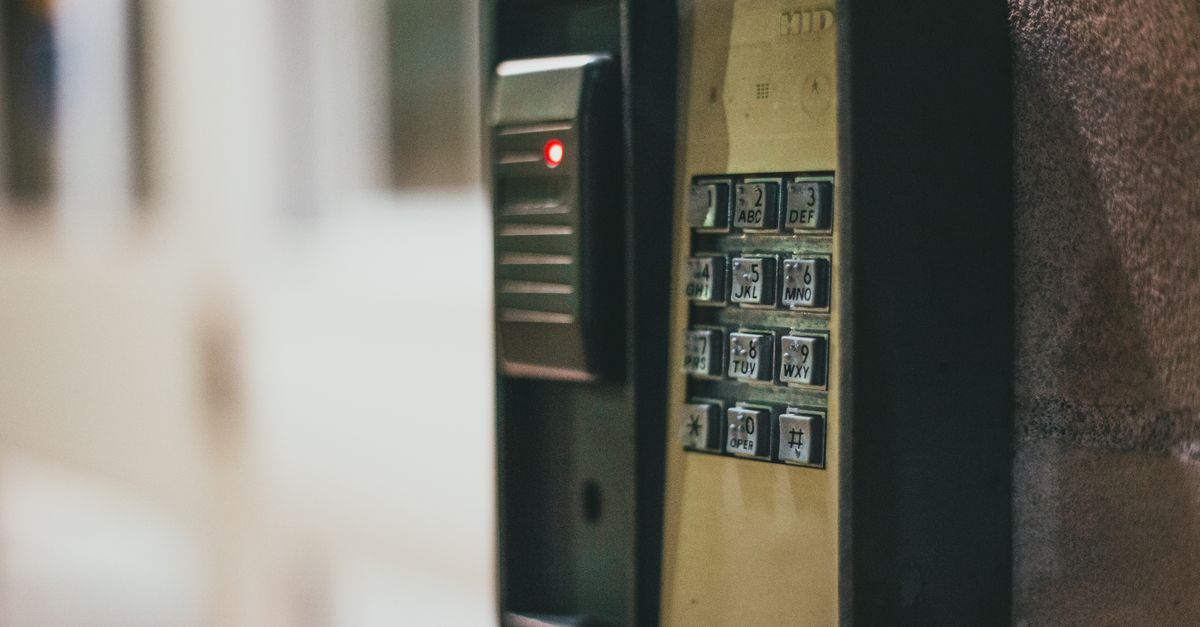
Photo : Erik Mclean / Pexels
Why Small Businesses Are Prime Hacking Targets
Read also— in the same topic: Web Design & Development
Free consultation
You have a project? Let's talk strategy.
30 min, no commitment. We analyse your situation and tell you what we'd do.
The common belief that hackers only target large corporations is dangerously wrong. 43% of cyberattacks target small businesses — because they are perceived as easier targets with fewer security measures, yet still hold valuable customer data, payment information, and business credentials.
A compromised website can result in: customer data theft (with potential GDPR fines), Google blacklisting (instant traffic loss), ransomware demands, brand damage, and costly emergency recovery work.
The 10 Security Measures Every Website Needs
1. HTTPS Everywhere
If your website is not served over HTTPS (the padlock in the browser address bar), fix this immediately. Browsers now display "Not Secure" warnings on HTTP sites, and Google uses HTTPS as a ranking signal.
Free SSL certificates from Let's Encrypt are available through virtually all modern hosting providers. There is no excuse for an HTTP-only website in 2026.
2. Strong, Unique Passwords and a Password Manager
Your admin password should be at least 16 characters with mixed case, numbers, and symbols. Never reuse passwords across platforms. Use a password manager (Bitwarden is free and open-source; 1Password is excellent for teams).
Equally important: change default credentials on any platform or plugin immediately after installation.
3. Two-Factor Authentication (2FA)
Enable 2FA on your website admin panel, hosting account, domain registrar, and any other account connected to your online presence. Even if your password is compromised, 2FA prevents unauthorized access.
4. Keep Everything Updated
Outdated software is the most common attack vector. For WordPress specifically: core, themes, and plugins must be updated promptly when new versions release. Over 60% of hacked WordPress sites were running outdated versions.
Enable automatic minor updates. Schedule a monthly review for major updates.
5. Daily Automated Backups
Backups are your insurance policy. If something goes wrong — whether from an attack, an update failure, or accidental deletion — a recent backup means minutes of recovery instead of weeks.
Requirements: daily backups of both files and database, stored off-server (cloud storage), tested restoration at least quarterly.
6. Limit Login Attempts
Brute force attacks attempt thousands of password combinations per hour. Blocking an IP after 5-10 failed login attempts eliminates this threat.
On WordPress: Wordfence or Limit Login Attempts Reloaded plugins. On other platforms: configure at the server or hosting level.
7. Web Application Firewall (WAF)
A WAF filters malicious traffic before it reaches your website — blocking SQL injection attempts, cross-site scripting, and known attack signatures.
Cloudflare's free tier provides a basic WAF and protects against most common attacks. For WordPress, Wordfence includes a WAF.
8. Change Default Admin URL
WordPress's default admin login at /wp-admin is known to every bot on the internet. Moving it to a custom URL (/manage or /login-XYZ) immediately stops automated attacks targeting that URL.
9. Monitor for Security Issues
Set up alerts for: new admin user creation, file modifications, failed login surges, and plugin changes. Google Search Console will notify you if Google detects malware on your site.
Tools: Wordfence (WordPress), Sucuri SiteCheck (any site, free scan).
10. Choose Secure Hosting
Your hosting environment is the foundation of your security. Look for: automatic software updates, server-level firewall, DDoS protection, malware scanning, and isolated hosting environments (so other customers' security failures cannot affect your site).
What to Do If Your Website Gets Hacked
→ Flowify builds and maintains secure websites for businesses
Need expert guidance?
Flowify helps businesses worldwide build high-performing digital products. Contact us for a free audit.
Get a free quoteGet the next ones by email
Practical articles on web, SEO and automation. No sales pitch, unsubscribe in one click.