Marketing Automation for Small Businesses: The Essential Workflows to Set Up
Marketing automation lets you nurture leads and follow up with customers automatically. Here are the 5 workflows every small business should set up — and the tools to do it affordably.
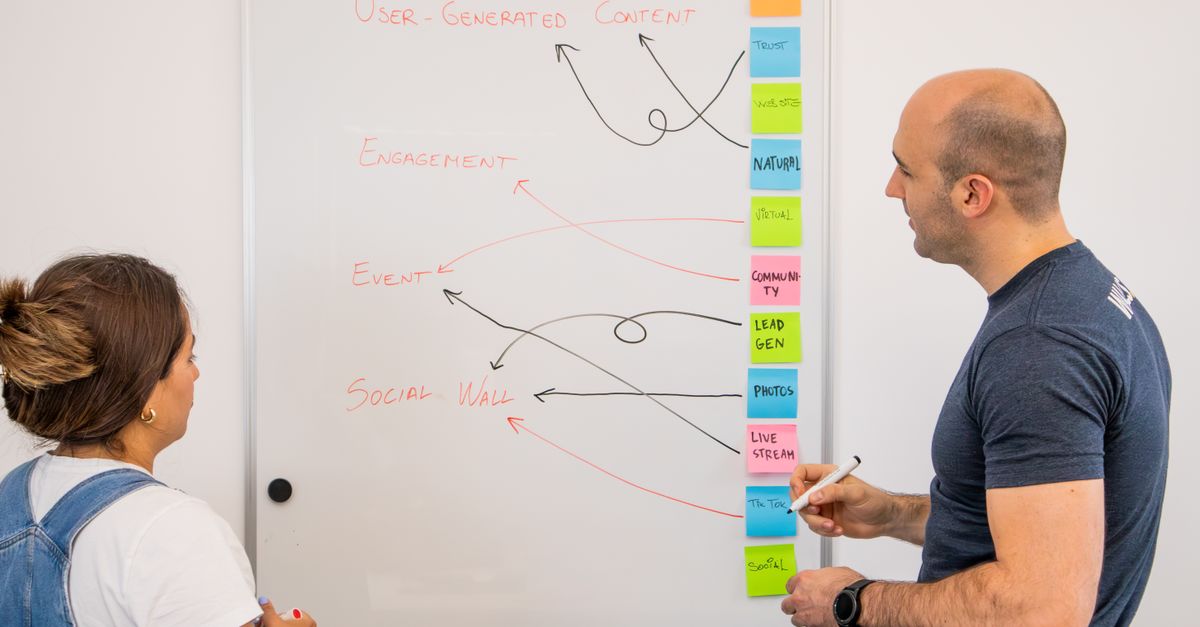
Photo : Walls.io / Pexels
Why Small Businesses Are the Biggest Winners from Marketing Automation
Read also— in the same topic: Digital Strategy
Free consultation
You have a project? Let's talk strategy.
30 min, no commitment. We analyse your situation and tell you what we'd do.
Marketing automation was once the exclusive domain of enterprise companies with dedicated operations teams and six-figure software budgets. In 2026, the tools have democratized completely. A solo founder or a five-person team can now deploy automations that would have required a marketing department in 2015.
But "marketing automation" has become a buzzword that means different things to different people. This guide focuses on the specific, practical workflows that deliver measurable ROI for small-to-mid businesses — not theory, not enterprise playbooks, but the automations that actually make sense when you don't have a team to run complex systems.
What Marketing Automation Actually Is (and Isn't)
Marketing automation is using software to execute marketing tasks based on triggers, schedules, or user behavior — without manual intervention for each action.
What it is:
What it isn't:
The automation handles repetitive, rule-based communication. You focus on strategy, relationships, and the work only humans can do.
The Automation Stack for Small Businesses in 2026
You don't need 12 tools. The lean automation stack for most small businesses:
Email marketing + CRM: Brevo (formerly Sendinblue), ActiveCampaign, or Klaviyo (for e-commerce). These handle your contact database, email sends, and basic automation workflows.
Form capture: Typeform, Fillout.com, or native forms from your CRM. Captures leads from your website.
Workflow automation: Make (formerly Integromat) or Zapier. Connects your tools — when X happens in Tool A, do Y in Tool B.
CRM (if needed separately): HubSpot (free tier is generous), Pipedrive, or Notion-based CRM for very small teams.
Social scheduling: Buffer, Later, or Publer for pre-scheduling social media content.
Total cost for a comprehensive small business automation stack: €80-200/month. For what it replaces in manual time, the ROI is typically 10-20x within the first year.
The 7 Automations to Implement First
1. Welcome Email Sequence
Trigger: Someone joins your email list (via website form, lead magnet download, checkout).
What it does: A 3-7 email sequence delivered over 5-10 days that introduces your brand, delivers value, and guides the subscriber toward a conversion action.
Why it matters: Welcome sequences achieve open rates of 50-60% — typically 3x higher than regular campaign emails. The moment someone joins your list is when your brand is most top-of-mind. Use it.
What to include:
2. Lead Nurture Sequence
Trigger: Someone downloads a lead magnet or attends a webinar but doesn't take the next step.
What it does: Delivers a series of value-driven emails over 2-4 weeks designed to educate the lead and move them toward a buying decision.
Why it's critical: B2B buyers take an average of 6+ touchpoints before making a decision. Most businesses give up after 2. The companies that nurture patiently — without being pushy — win the deals that competitors abandon.
Structure: Alternate between value delivery (educational content, case studies, tips) and light conversion prompts (never hard sells in early nurture). Save the direct offer for email 6-8 when trust is established.
3. Abandoned Cart Recovery (E-Commerce)
Trigger: A user adds items to cart but doesn't complete checkout within 1 hour.
What it does: A 2-3 email sequence reminding the customer of what they left behind.
Industry performance:
Total: A well-implemented abandoned cart sequence recovers 10-15% of abandoned carts. On a store with €50,000/month in revenue and a 70% abandonment rate, that's €5,000-7,500/month in recovered revenue.
4. Post-Purchase Review Request
Trigger: A purchase is marked as delivered (or X days after order confirmation for digital products).
What it does: Sends a personal-feeling email asking the customer for a review, with a direct link to your Google Business Profile or product review page.
Why it matters: Reviews are one of the highest-leverage assets in local SEO and conversion rate optimization. Most businesses have dozens of happy customers who would leave a review — they just don't think to do it unprompted.
Best practice: Send 2-3 days after delivery for physical products (when the excitement of unboxing is recent), or 24-48 hours after a service for professional services. Keep the email short, personal, and make the review process one click.
5. Re-Engagement Campaign
Trigger: A subscriber hasn't opened an email in 90 days.
What it does: A 2-3 email "win-back" sequence designed to either re-engage inactive subscribers or cleanly remove them from your list.
Why it matters: High email list quality matters more than size. Sending to a list full of disengaged subscribers hurts deliverability (your emails land in spam for everyone). Cleaning your list regularly keeps open rates high and deliverability healthy.
Structure:
Unsubscribe anyone who doesn't engage after email 3.
6. Lead Scoring and Sales Notification
Trigger: A contact reaches a certain lead score based on behavior.
What it does: As contacts engage with your emails, visit specific pages, and download resources, their "score" increases. When they cross a threshold (indicating high intent), your sales team gets notified automatically.
Why it matters: Without lead scoring, your sales team either contacts everyone too early (wasting time on unqualified leads) or waits for inbound signals that may never come. Lead scoring surfaces the right people at the right time.
Simple scoring model:
When a lead hits 30+ points: trigger a Slack/email notification to sales.
7. Customer Onboarding Sequence (SaaS or Service Businesses)
Trigger: New customer or user signs up / makes first purchase.
What it does: A structured sequence over the first 30 days that guides new customers to their "aha moment" — the point where they clearly understand the value they've paid for.
Why it reduces churn: The #1 cause of early-stage churn is customers not experiencing value quickly enough. An onboarding sequence ensures every customer takes the actions that lead to activation and engagement.
Typical structure:
Advanced Automations for When You're Ready
Once the foundational automations are running smoothly:
Dynamic content segmentation: Different email content served based on subscriber tags (industry, company size, product interest). More relevant = higher engagement.
Behavioral retargeting triggers: If a subscriber clicks a link about SEO services, automatically tag them as "SEO interested" and adjust future email content accordingly.
Sales sequence automation: For B2B — automating follow-up emails after proposals, demo requests, or free trial sign-ups. Ensures no lead falls through the cracks.
Webinar follow-up sequences: Post-webinar emails that vary based on whether the person attended, watched the replay, or registered but didn't attend.
Measuring Automation ROI
Track these metrics monthly:
Most small businesses implementing their first 3-4 automations save 8-15 hours per week of manual follow-up work while simultaneously improving the consistency and quality of their customer communication.
Need expert guidance?
Flowify helps businesses worldwide build high-performing digital products. Contact us for a free audit.
Get a free quoteGet the next ones by email
Practical articles on web, SEO and automation. No sales pitch, unsubscribe in one click.